



Ask questions grounded in uploaded documents.
Source-grounded learning on one canvas
Bring documents, videos, articles, and notes onto one canvas. Ask a source-grounded AI tutor and turn useful answers into connected, reusable knowledge.
Add PDFs, text documents, articles, YouTube videos, links, and notes to one canvas. Keep the material behind your learning close at hand.
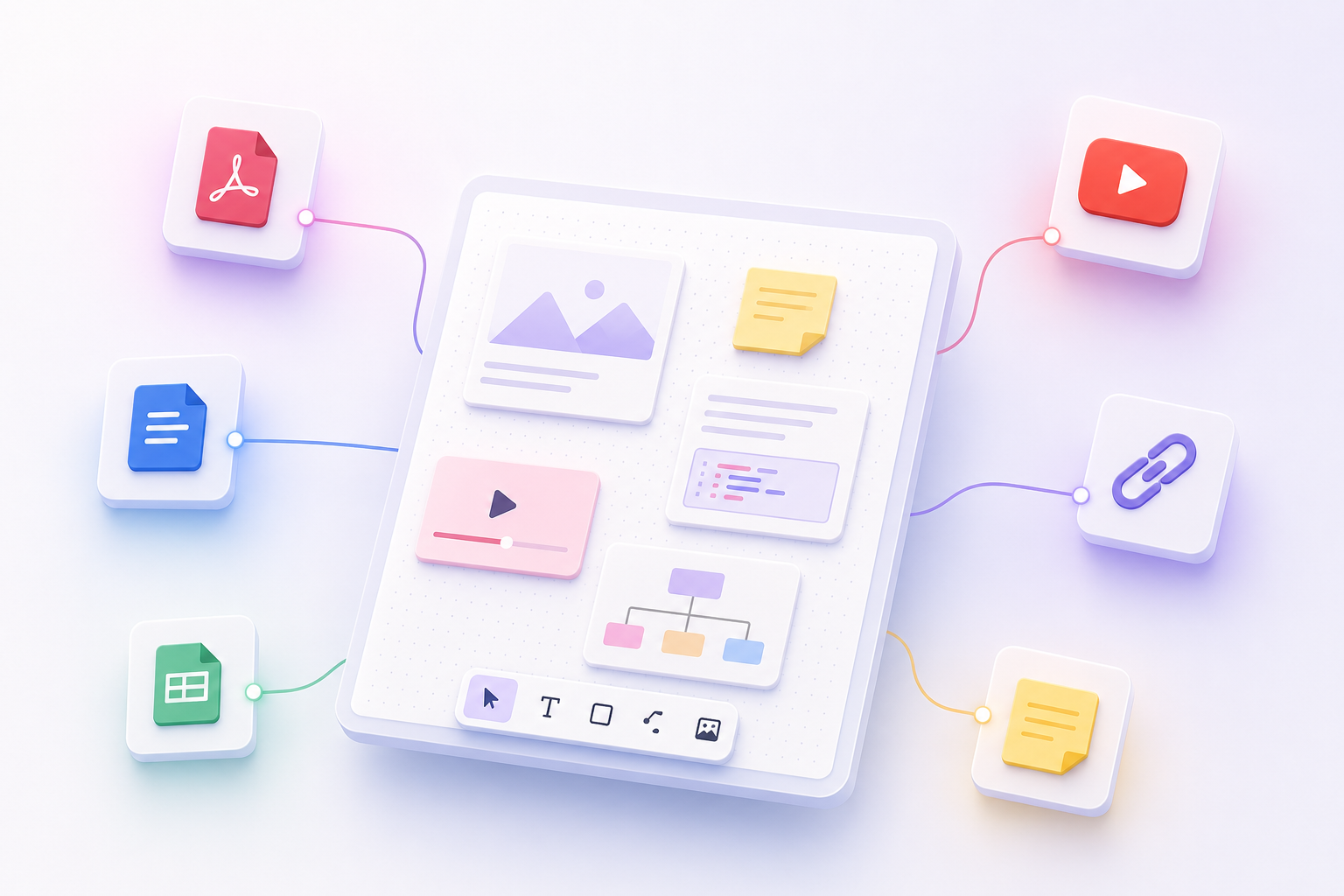
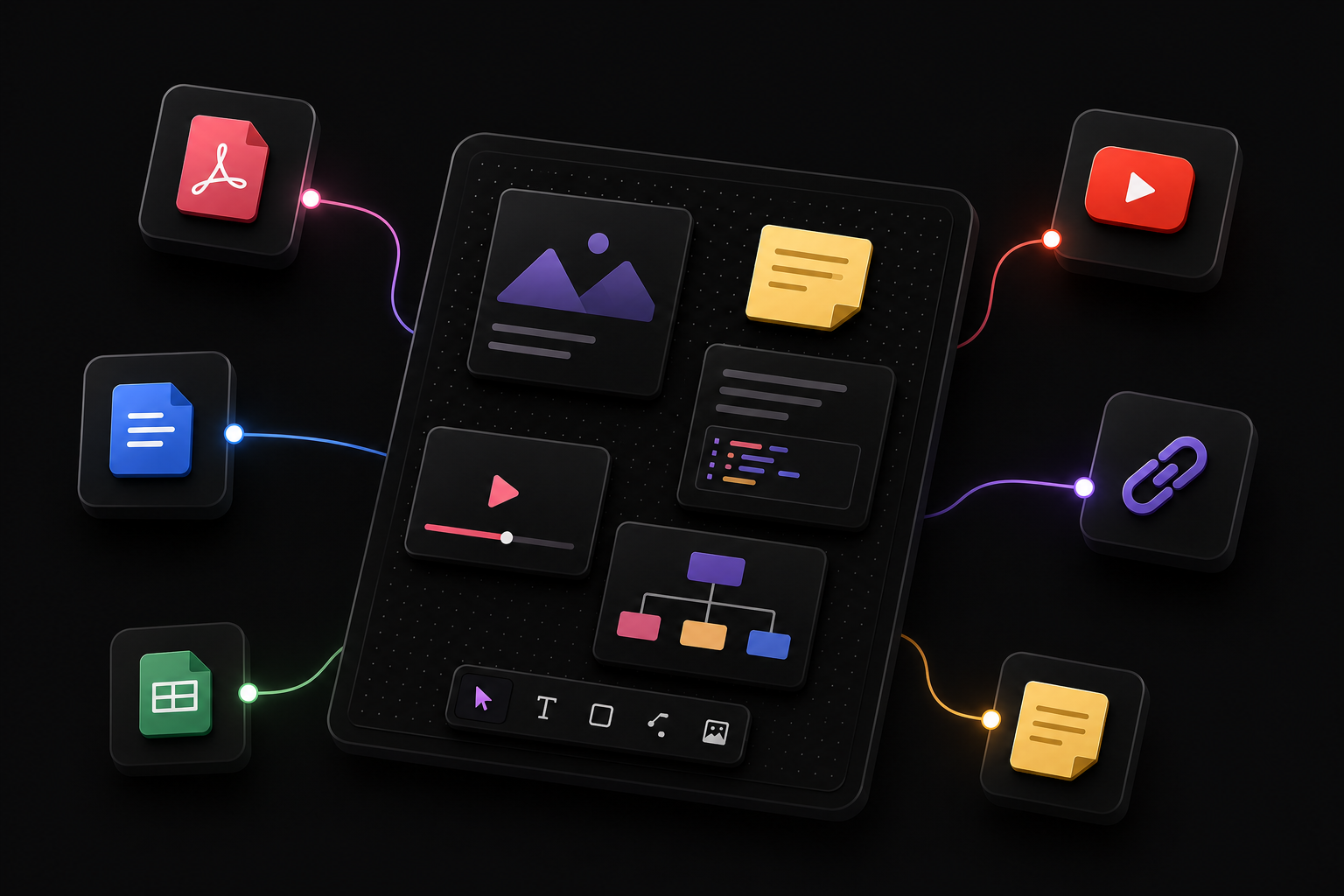
Select the exact sources or canvas items you want to discuss, then ask DocTree to explain, compare, summarize, transform, or expand them.
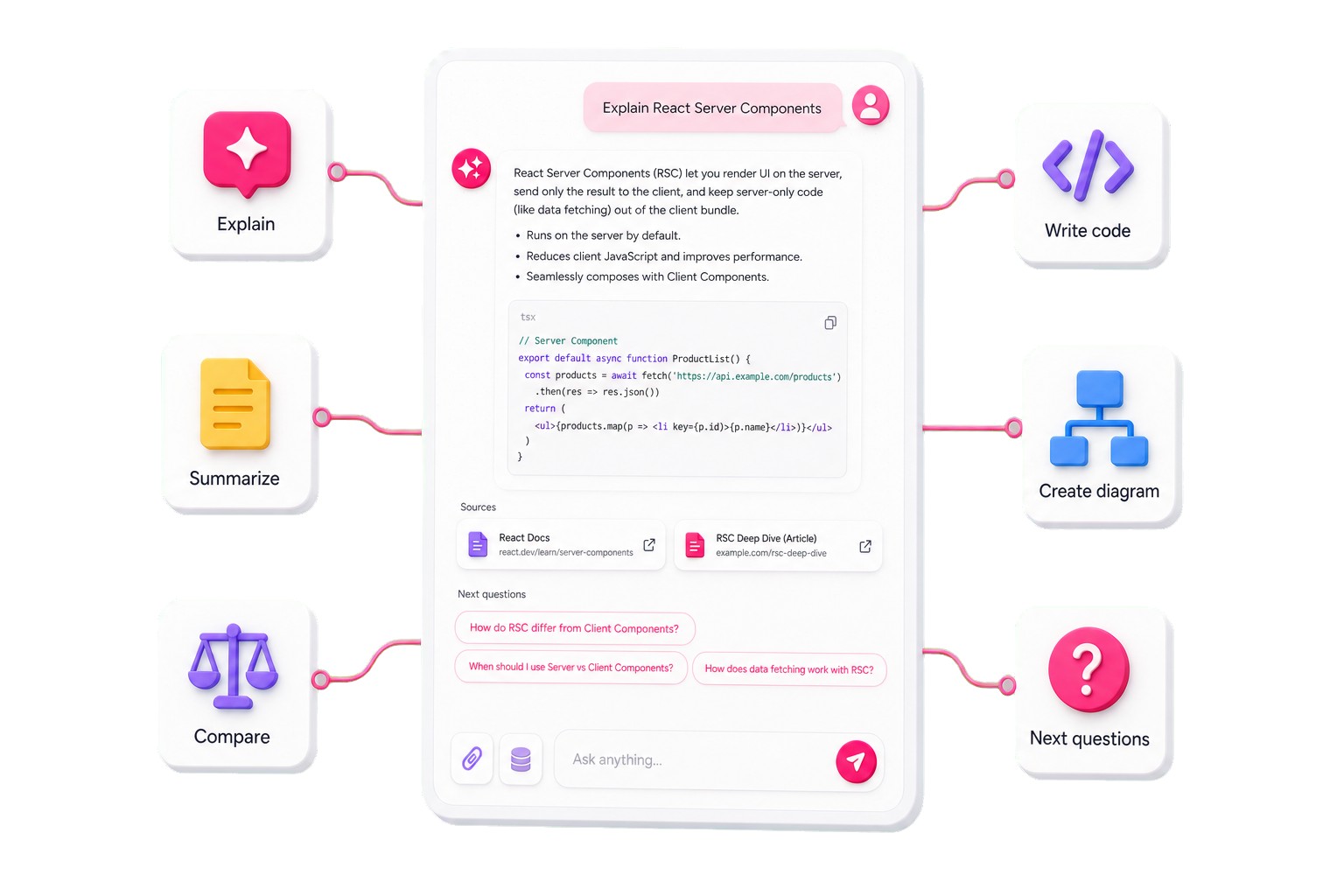
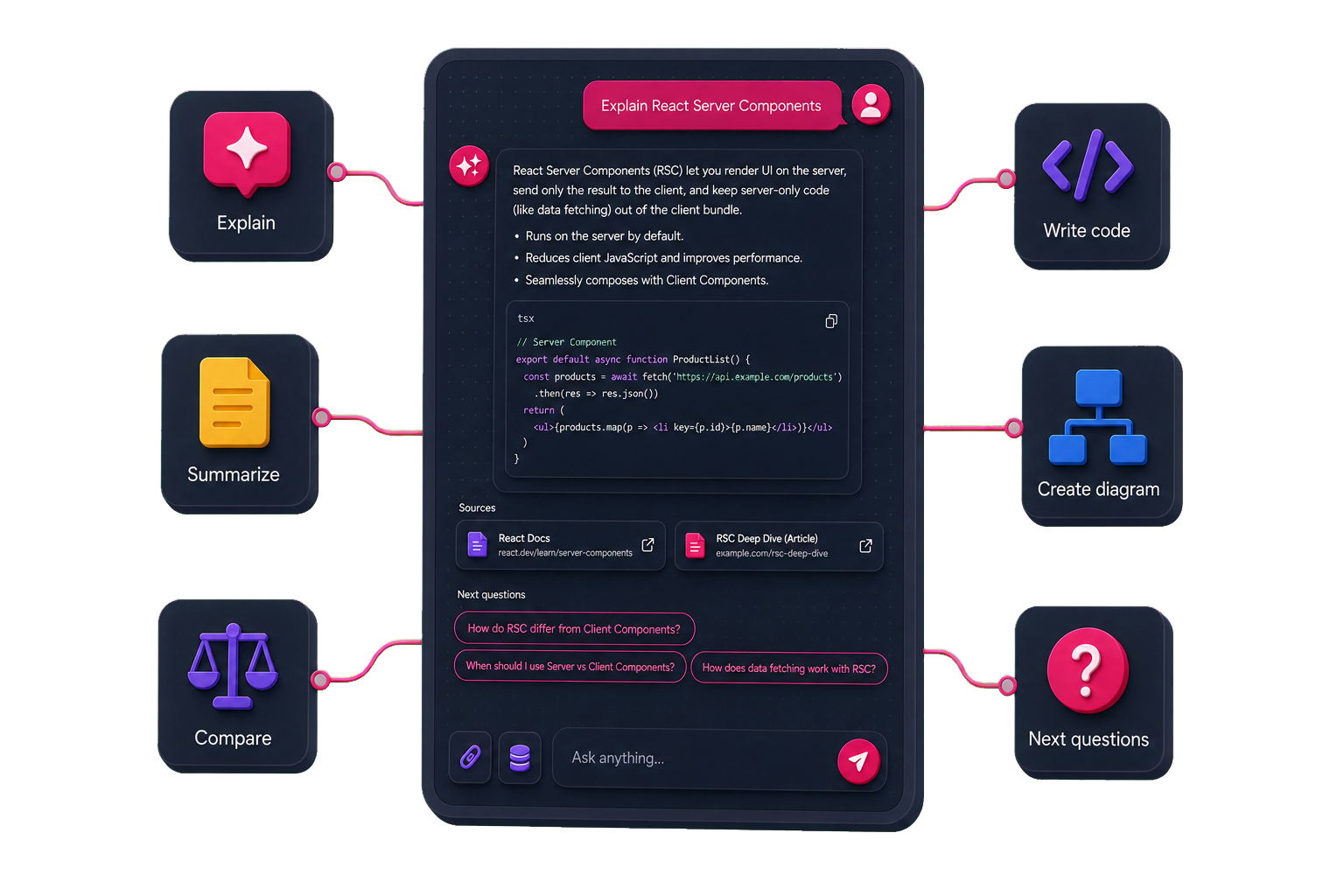
Create summaries, deep articles, diagrams, mind maps, curriculum, notes, code cards, and resource collections—then place them back on the canvas.
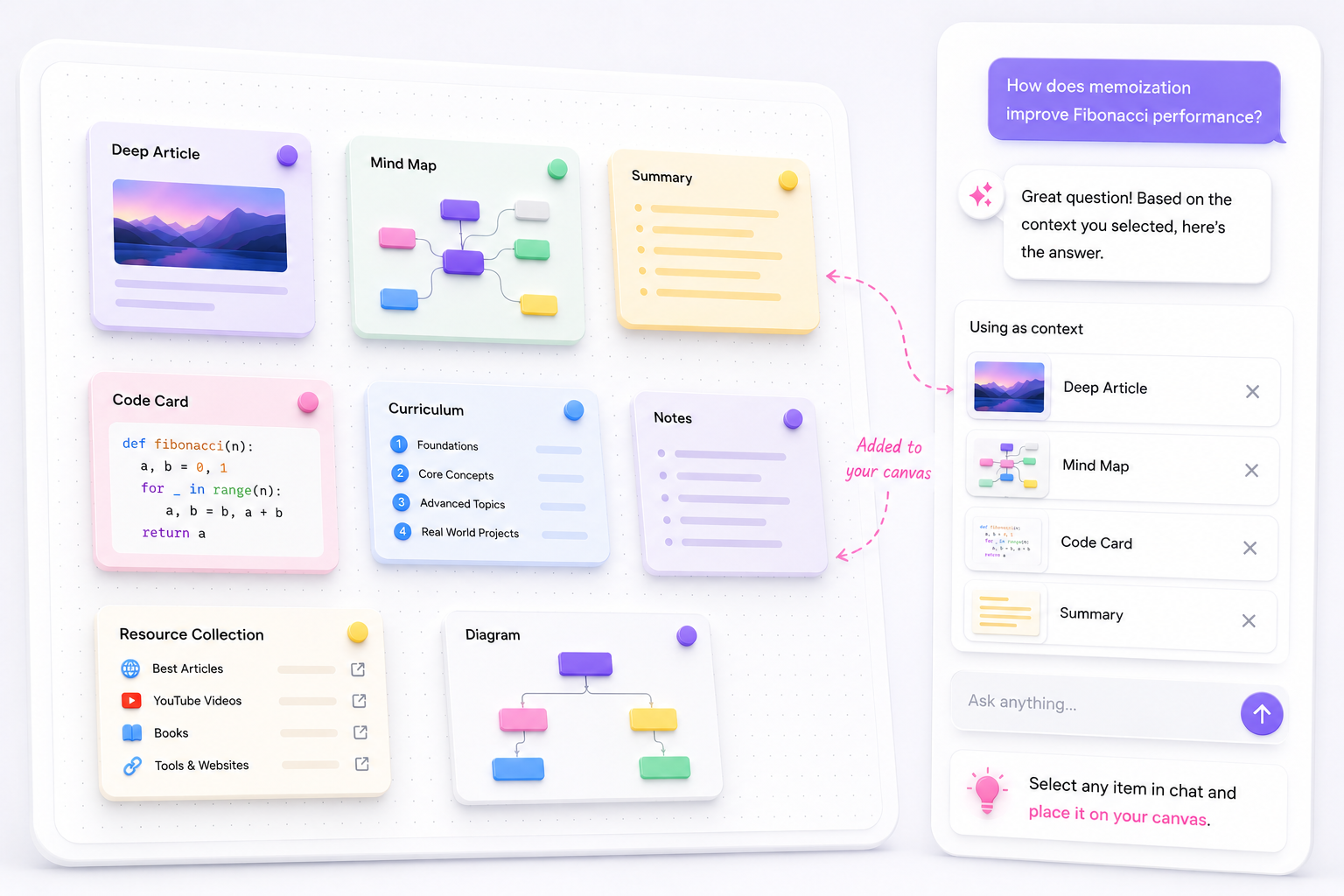
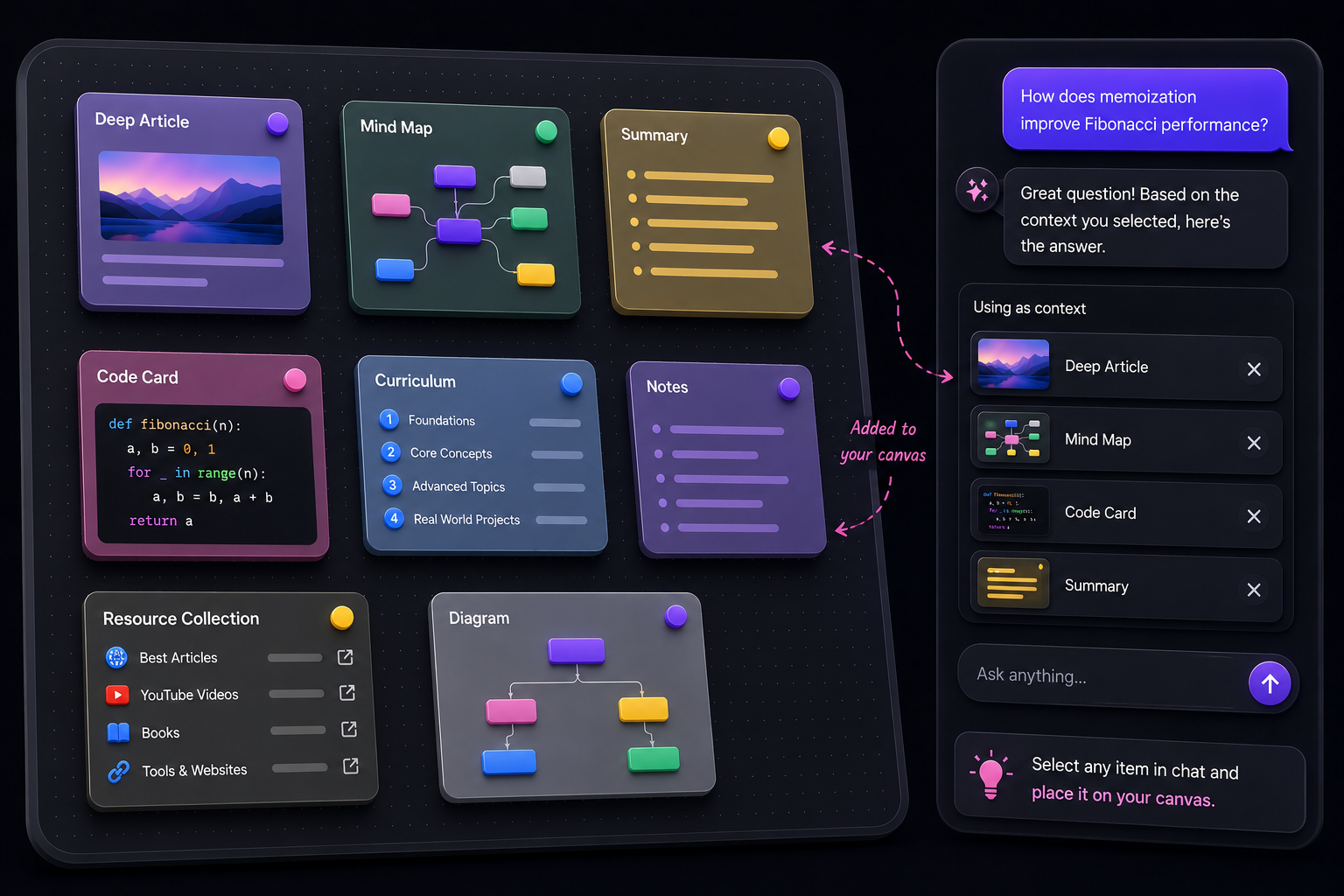
Everything has a place
Collect source material, capture your thinking, and create new learning artifacts—all in one connected workspace.
Ask questions grounded in uploaded documents.

Learn from transcripts and video explanations.

Keep useful articles and websites connected.

Save reading recommendations and references.

Keep people and experts worth learning from nearby.

Capture ideas, reminders, and selected chat passages.

Read summaries, curriculum, and deep explanations.

Keep visual references alongside the ideas they support.

Preserve reusable code directly from chat.

Visualize systems, processes, and relationships.

Explore a topic through expandable branches.
Explore public learning trees shared by the community.
Who it’s for
DocTree brings your sources, questions, and generated learning artifacts together on one canvas, ready to become context for what you explore next.
Built for
Learn technologies, systems, and programming concepts from connected source material.
Built for
Study any subject with structure and direction—even without a formal course.
Built for
Collect, connect, and interrogate documents, articles, videos, notes, and discovered resources.
Built for
Build long-lived personal knowledge spaces where ideas stay connected and explorable.
Choose the plan that fits your study flow. Upgrade, downgrade, or cancel anytime.
For personal projects and experiments
No card required
Includes
For active learners building deeper knowledge trees.
$119.88/year, $36 less than monthly
Everything in Hobby, plus
For heavy learners, creators, and daily research workflows.
$239.88/year, $60 less than monthly
Everything in Pro, plus
Frequently asked questions
Learn how your sources, canvas, and AI tutor work together.
DocTree is a canvas-first learning workspace where you can collect sources, ask questions with AI, and turn what you learn into connected notes, summaries, articles, diagrams, mind maps, and curriculum.
When you select compatible canvas items as context, DocTree retrieves relevant passages and uses them to ground the answer. It keeps source-backed evidence distinct from general model knowledge when supporting material is unavailable.
You can add PDFs, text documents, article links, YouTube videos, notes, and other learning material. AI-generated artifacts can also stay on the canvas and become context for later questions.
DocTree can create summaries, deep articles, diagrams, mind maps, curriculum, code cards, notes, and resource collections from a topic or the context you select.
Yes. Choose beginner, familiar, or expert, and DocTree adapts the vocabulary, pacing, examples, and depth while preserving factual rigor.
Yes. Place generated content on the canvas, organize it alongside your sources, and select compatible items as context for future explanations, comparisons, summaries, or expansions.
Yes. You can start with the Hobby plan and upgrade when you need a larger monthly AI credit allowance for heavier study workflows.
When an answer uses retrieved source material, DocTree can preserve citations or source references so you can distinguish supporting evidence from general model knowledge.
DocTree combines source-grounded chat with a durable spatial canvas. You choose the active context, create learning artifacts from the conversation, and reuse those artifacts in later questions instead of losing them in a linear chat history.
Stop getting lost in information overload. Our structured, AI-driven approach helps you retain more information in less time.


